What happens when a little one smashes the keyboard
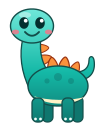
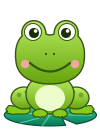
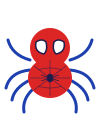
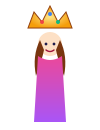
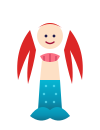
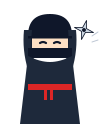
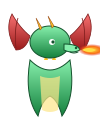
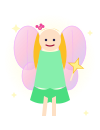
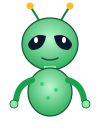
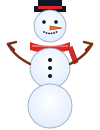
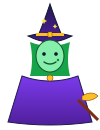
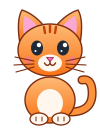
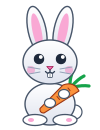
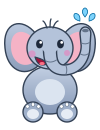
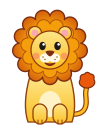
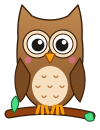
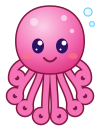
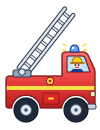
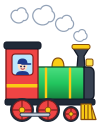
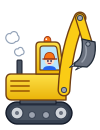
Letters and numbers appear giant and colourful: each letter with a picture of something that starts with it, each number with that many things to count. Every other key brings one of these 34 hand-drawn friends, always the same friend for the same key. Every 25 presses set off confetti; every 50, a bigger surprise.
Questions parents ask
What is toddler typing?
Toddler typing is not typing lessons. It is a toddler pressing keys and seeing an immediate, safe response — a giant letter, a number, a character — so the keyboard becomes cause-and-effect play. Real typing skills come years later; what a toddler builds is the connection between a key and a result, and eventually the idea that the mark on the key is the mark on the screen.
Is the keyboard playground free?
Yes, with no account, no email and no card — and so are fifteen of the 41 learning games, which also open with no account. The 59-game arcade is free too: anyone can try a demo run of any game (one run, up to 90 seconds, twice a day per game), and a free parent account with a verified email unlocks unlimited play and saves scores. Two optional paid plans, Family at $4.99 a month and Family Plus at $9.99, unlock the rest of the learning catalogue; each of those games can be tried in a free 60-second demo, twice a day, and one of them is free for everyone each week. A demo saves nothing.
Can my toddler close the tab or open something else?
In Chrome or Edge on a desktop, the playground goes fullscreen and captures Ctrl+W, Ctrl+T and F11, so those shortcuts cannot close it. In Safari and Firefox that lock does not exist. And no website in any browser can block PrintScreen, Cmd+Q or the Windows key — so open it in a window with nothing of yours behind it.
How do I get out?
Hold Esc on a desktop — Chrome and Edge leave fullscreen after a second or two of holding, Safari and Firefox on a single press — or hold three fingers on the screen for three seconds on a tablet or phone, where a ring fills so you can see it working. You return to this start screen, with a Smash Report if the session had at least five presses; the tab does not close.
What does the site know about my child?
The playground sends a count of how many keys were pressed — never which keys, and nothing typed is recorded. With a parent account, points, best scores and badges are kept per account under its leaderboard nickname, and key counts and learning progress per child profile, so the dashboard and leaderboard work. The playground and every game's own page carry no ads, and the ads on the other pages children use, such as the game lists, are contextual only and never personalised.